Over 50% of hospital readmissions are due to social determinants of health. When case managers are creating care plans that include physical and mental health services, they need to know the entire picture of their clients' lives. Scattered physical paperwork, hand-written notes, and siloed services all make it more challenging to properly care for clients.
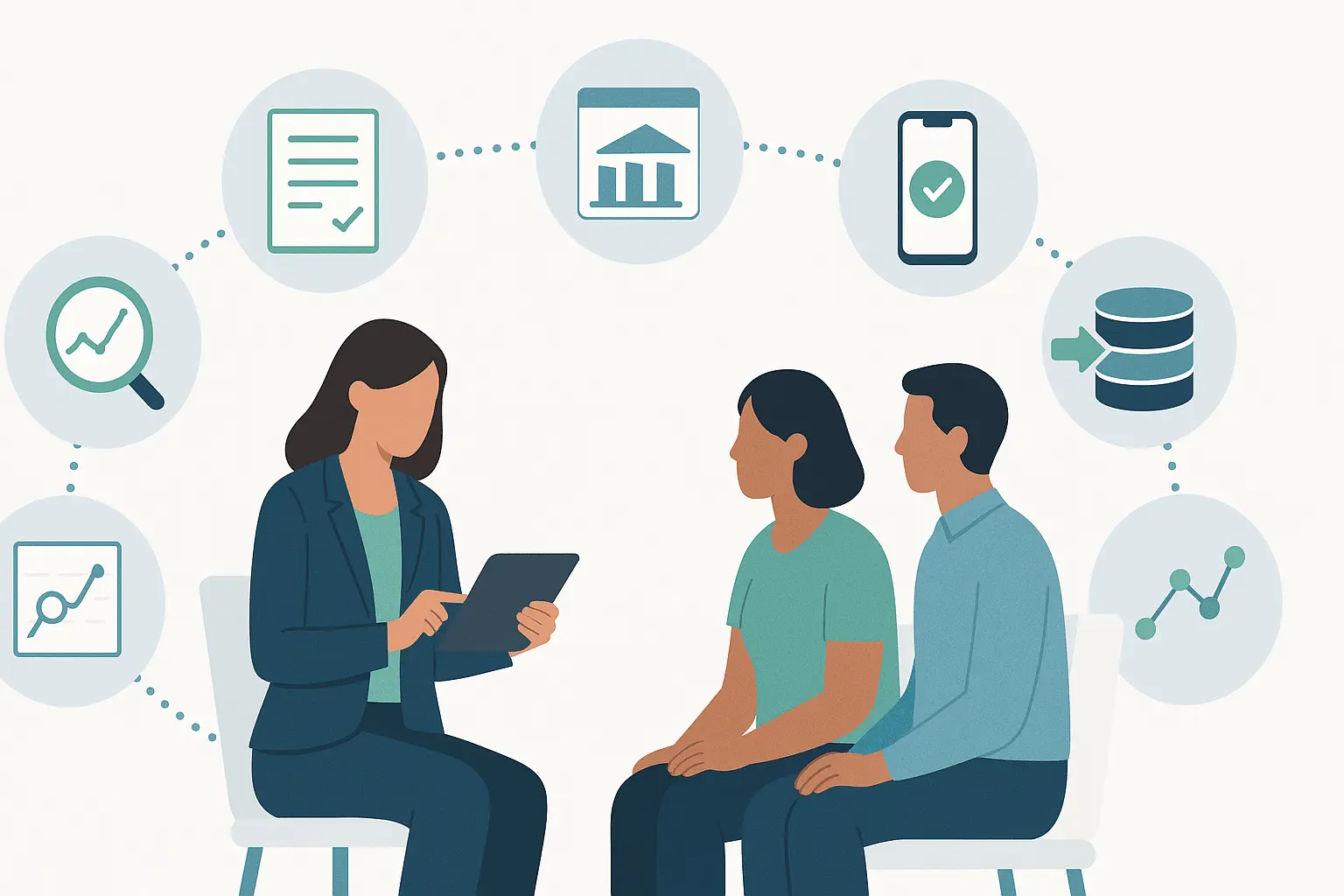
That's why it's so critical for nonprofits and government agencies to choose the right case management software. They can increase employee productivity, boost collaboration between agencies, and help case managers effectively communicate with their clients. If your organization is looking for better case management software, here are the questions you have to ask along the way.
Why Choosing the Right Software Matters
Software at its best can help your team thrive. However, if you choose the wrong solution, it creates more problems than it solves. For example, 65% of closed-loop referrals fail without proper tracking. If your team closely tracks closed-loop referrals, then you need a system customized to match those processes. If not, your employees will have to create time-consuming workarounds, which defeats the purpose of utilizing new software.
You need a case management software built for case managers in nonprofits and public sector organizations. It should provide custom-built solutions that make everyday work easier to accomplish, so your team can spend more time with individuals in need. Look for software that offers tools such as:
- Case management
- Grant management
- Inventory management
- Attendance tracker
- HMIS reports
The 10 Must-Ask Questions
As you start meeting and scheduling demos with case management software organizations, you need to know the right nonprofit software questions to ask. Our experts at PlanStreet have compiled the top 10 questions that need to be answered to help you select the best choice.
1. Is It Customizable to Our Programs and Services?
Every nonprofit has different workflows. Even if two organizations provide services for unhoused individuals, case managers at each will have different preferences depending on the needs of their clients. Ask potential providers about:
- Forms: Do you offer the ability to build and customize forms?
- User Interface: Can you change dashboards and shortcuts based on each person's job requirements?
- Reporting: Can you customize viewers and reports for specific metrics?
2. Does It Support Intake, Assessments, and Case Notes?
Intake, assessments, and case notes are critical for case managers to understand client needs, set effective care plans, and document progress for continuity, compliance, and accountability. These components ensure accurate records, support tailored interventions, and foster trustful relationships—all critical for positive outcomes.
The right case management software can ease these processes through:
- Streamlined intake and assessment forms with conditional fields so that clients only answer the questions that are relevant to them, helping them finish faster.
- Secure document and audit trails, so that every piece of information is safe.
- Attaching case notes to every client with mobile capability, so case managers can take notes from anywhere.
3. How Smooth Is Data Migration From Legacy Tools?
If you're using a legacy system, you're one of the organizations wasting 46 minutes per day per employee. Even if moving data from one system to another can be a daunting task, it can be made much easier by choosing the right case management software partner. They should have a tried and true method to help you transfer all information from legacy software. This ensures all historical data and records move accurately into the new system, preserving information and compliance history.
4. Is the Software Hud-Compliant and Secure?
Any institution that receives federal funding from the U.S. Department of Housing and Urban Development (HUD) must be compliant with its strict reporting policies. HUD has an extensive list of reporting requirements for each of its programs. Your case management software provider needs to provide built-in reporting and analytics so that you can quickly create the reports as required.
5. Does It Integrate With Other Tools We Already Use?
Just because you're choosing a new case management software doesn't mean you have to completely replace your entire tech stack. Many providers offer an API (Application Programming Interface), which works as a middleman to help two applications communicate with one another. Be sure to ask about automatic API generation features that allow your team to do it themselves (rather than pay a software engineer to build it for you).
6. What Reporting and Analytics Features Are Included?
Reporting and analytics features help your team make data-driven decisions. They aid teams to see what has worked best in the past to invest in the best outcomes in the future. Analytics can further improve client outcomes by:
- Identifying Risk: Case managers can track service performance, doctor's appointments, and more, flagging when a client may need intervention.
- Addressing Barriers to Care: By studying social determinants of health side by side, the care manager can make critical connections on what might be stopping a client from receiving care.
- Personalizing Care Plans: Case managers can analyze demographics, diagnoses, and treatment patterns to create engaging plans that meet the exact needs of their clients.
- Optimizing Resource Allocations: Nonprofit management can gain a bird's eye view of their resources and readjust workloads if one case manager has too much on their plate.
Additionally, these features are critical to remain compliant with HUD and gain the necessary metrics to boost grant proposals.
7. Is the System Mobile-Friendly for Field Staff?
Over half (56.8%) of case managers spend half their time on direct case management activities, taking them to hospitals, clients' homes, community centers, shelters, and public service agencies. They need to be able to easily take notes, and bringing a laptop is not always an option. By choosing mobile-friendly case management software, case managers can input and access their notes wherever their work takes them.
8. What Customer Support, Onboarding, and Training Are Provided?
Implementing new case management software can be a lengthy process, and hiccups are expected along the way. What's most important is that you choose a provider that offers readily available customer support. Look for:
- Support and technical assistance via chat, email, and phone.
- Online tools that are available 24/7 for simple problem-solving.
- A monthly report of all customer issues, status of issues, priority levels recorded, and more.
Additionally, the software team should assist your team with onboarding and training staff on workflows for optimal adoption.
9. Is the Pricing Transparent and Scalable as We Grow? Are There Hidden Costs?
Case management software pricing can vary dramatically. You're most likely to find:
- Per-User Subscription: A fixed fee charged for each user per month, depending on the features and provider.
- Tiered Pricing: Different plans with varying features and limits, allowing nonprofits to choose according to their needs and budget.
- One-Time License Fees: A single upfront payment for perpetual use, with possible additional fees for updates.
- Customized Pricing: A platform that only includes the exact services your team needs, so you don't have to pay for excessive services.
With any of these pricing models, it's crucial that you know the exact services you receive. If there are any hidden fees, like "activation," that can be a red flag. Additionally, the software should be able to grow with you, adding features as your team needs them (which may come at an additional cost).
10. How Future-Proof Is the Platform (AI, Automation, Updates)?
Software is a constantly changing sector, with exciting innovations like AI. You want to choose a software provider that is abreast of developing technology. When you're meeting with case management companies, ask them what features they are planning for the future. If they don't have an answer, then they may not be the best partner to help you grow.
Checklist: Making the Right Choice for Your Organization
As you're shopping for case management software, you need a checklist to make the best decision for your organization. Use ours below to cover every question in this article and help you make the best choice for your organization.
- Can we build and customize forms?
- Can dashboards and shortcuts be tailored to individual job roles?
- Can reports and metrics be customized for our needs?
- Does the software streamline intake and assessments with conditional fields?
- Are document trails and data storage secure and auditable?
- Can case notes be easily attached to client profiles (including via mobile)?
- Does the vendor provide a proven, reliable process for migrating legacy data?
- Will historical data and compliance records be preserved accurately?
- Is the platform HUD-compliant for reporting?
- Does it meet data privacy and security standards (e.g., HIPAA, SOC 2)?
- Can it integrate with our existing tools (through APIs)?
- Is there an option for automatic API generation or low-code/no-code integrations?
- Can the system identify risk factors and flag needed interventions?
- Can it help analyze social determinants of health and barriers to care?
- Can we personalize care plans using data insights?
- Can it optimize resource allocation (workload balancing)?
- Can reports be used for HUD compliance and grant proposals?
- Is the platform fully mobile-friendly?
- Can case managers input notes and access client info on the go?
- Is support available via chat, email, and phone?
- Are there 24/7 self-service resources?
- Do they provide monthly reports on support tickets/issues?
- Do they offer onboarding assistance and workflow training?
- Is pricing transparent (no hidden fees like activation)?
- Is pricing flexible (per-user, tiered, or custom options)?
- Can we scale features and users as we grow?
- Does the vendor have a roadmap for AI, automation, and regular updates?
- Do they actively invest in innovation to support our future needs?
Find the Answer to All 10 Questions in PlanStreet
If you want one of the best case management platforms, look no further than PlanStreet. Our robust case management software was built specifically for human services organizations, with new features constantly being developed to help you service your clients even better.
Schedule a demo with our team today, and we can show you how our solution answers every one of these questions.